PROUD CANADIAN COMPANY SAVING CANADIANS MONEY ON THEIR TELECOM NEEDS
 Français
-
×
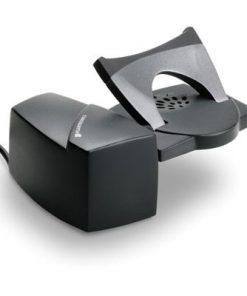 Plantronics HL10 Handset Lifter (60961-32, 60961-21)
1 × CA$109.00
Plantronics HL10 Handset Lifter (60961-32, 60961-21)
1 × CA$109.00
Subtotal: CA$109.00
CA$57.00
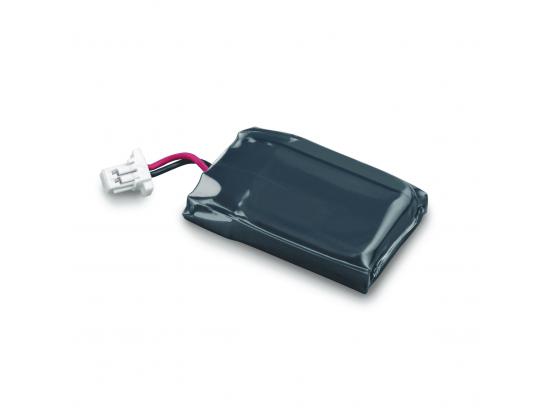
Replacement Battery CS540 Wireless Headset

Compatible with: CS540
TECH TIP: How to replace the CS540 battery
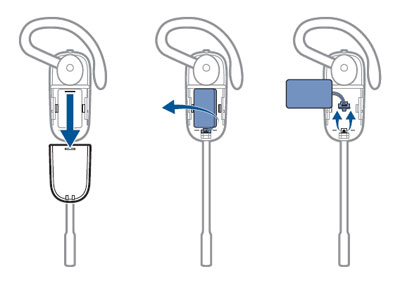
1) Slide the battery cover off and remove it from the headset
2) Pull the battery out of the attachment clip
3) Grasp the battery connector and disconnect from the headset (Avoid pulling by the wires)
4) Plug the new battery to the battery connector
5) Once connected, slide the battery into place
6) Slide the cover back on and push it into place
7) Place headset into base for charging